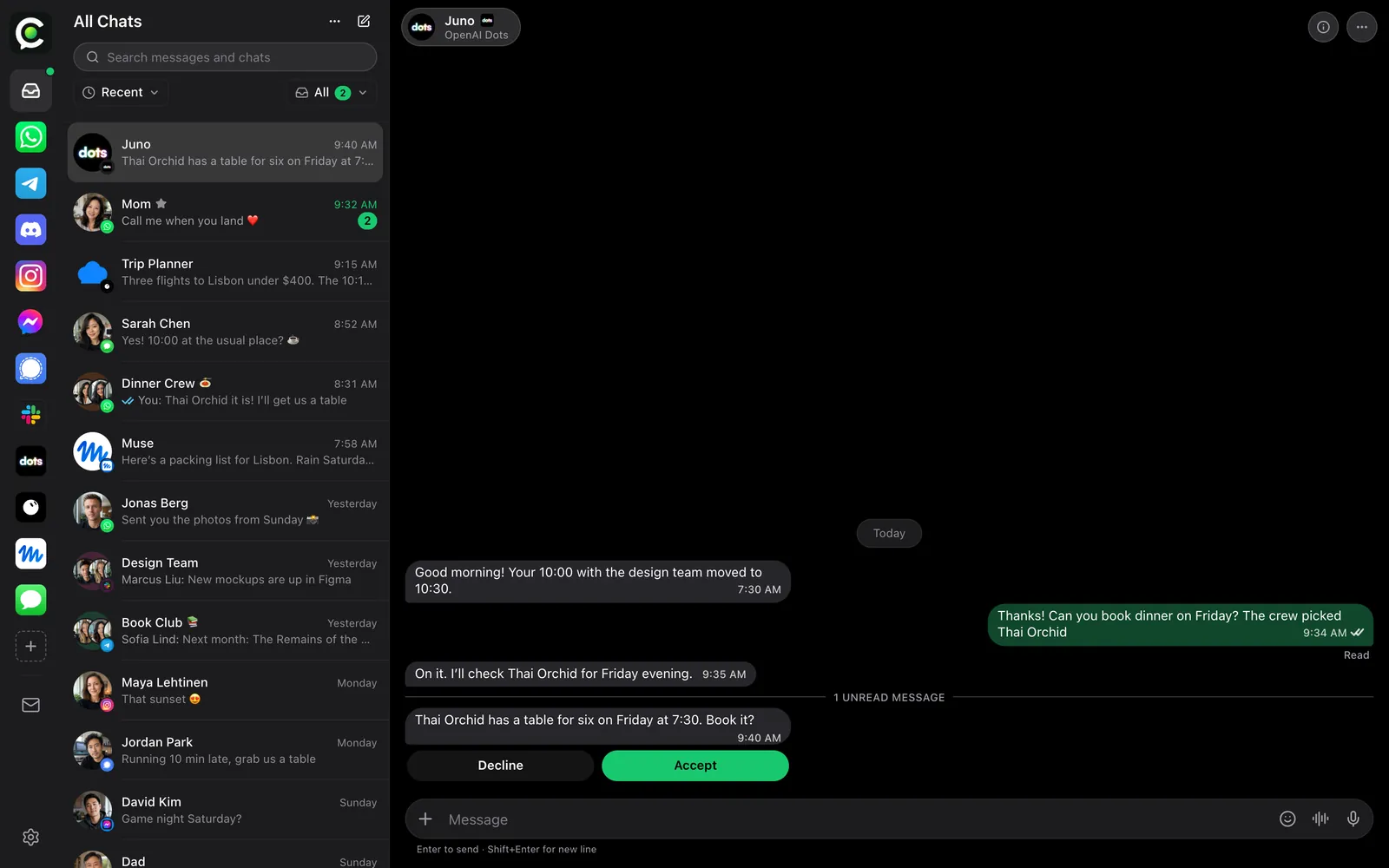
Your AI agents can join your inbox now. Chesly connects OpenAI Dots, Grok Bot and Muse, so you can talk to them next to your friends, family and work chats, and answer them without switching apps. We also rebuilt Chesly on the web, polls now show who voted, and Chesly for G2 learned some new tricks.
Your agents, in your inbox
Ask your Dot to book a table, check what your Grok Bots found, or get a packing list from Muse. Their chats sit in Chesly with everyone else’s.
When an agent needs your OK before it does something, its question comes with Accept and Decline. Tap one and the agent carries on. If only the agent’s own app can answer a request, Chesly opens it there.
Connect them from Add account in Settings, in Chesly for iPhone and iPad:
- OpenAI Dots: sign in with ChatGPT. You need a Dot in ChatGPT already.
- Grok Bot: sign in with the Cursor account you use for Grok Bot. Each of your Bots gets its own chat.
- Muse: enter the email or phone number you use for Muse, then the 6-digit code it sends you.
All three are in beta. Once they’re connected, their chats show up on the web and on your glasses too. OpenAI Dots also works in Chesly for Mac.
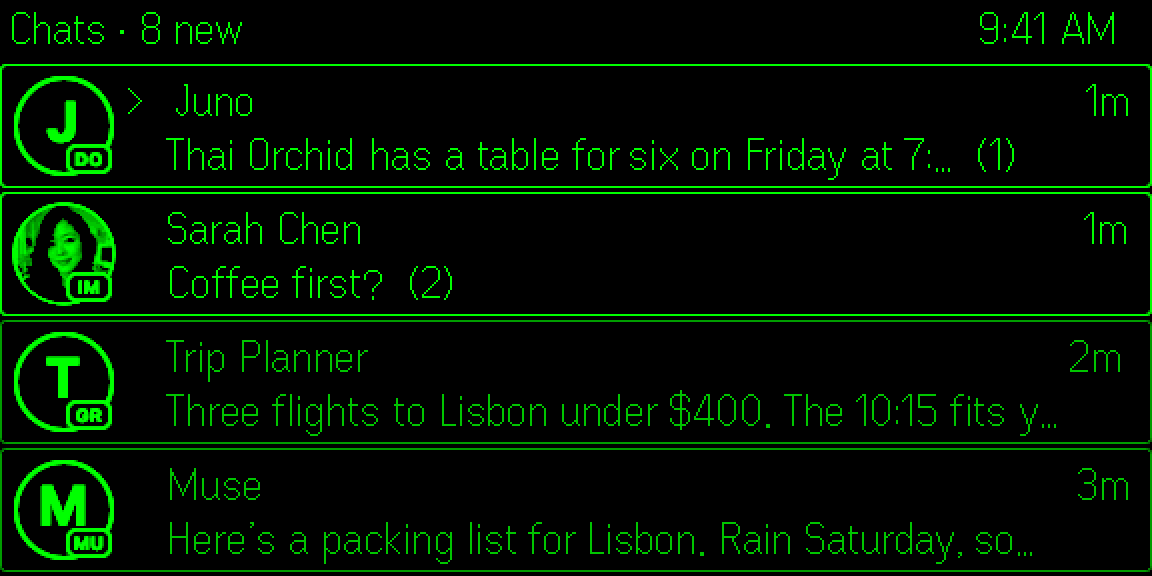
Chesly on the web, rebuilt
We rebuilt web.chesly.app to work like Chesly for Mac, and it’s at home on a phone now too. Open it in your phone’s browser, add it to your Home Screen, and it opens like an app.
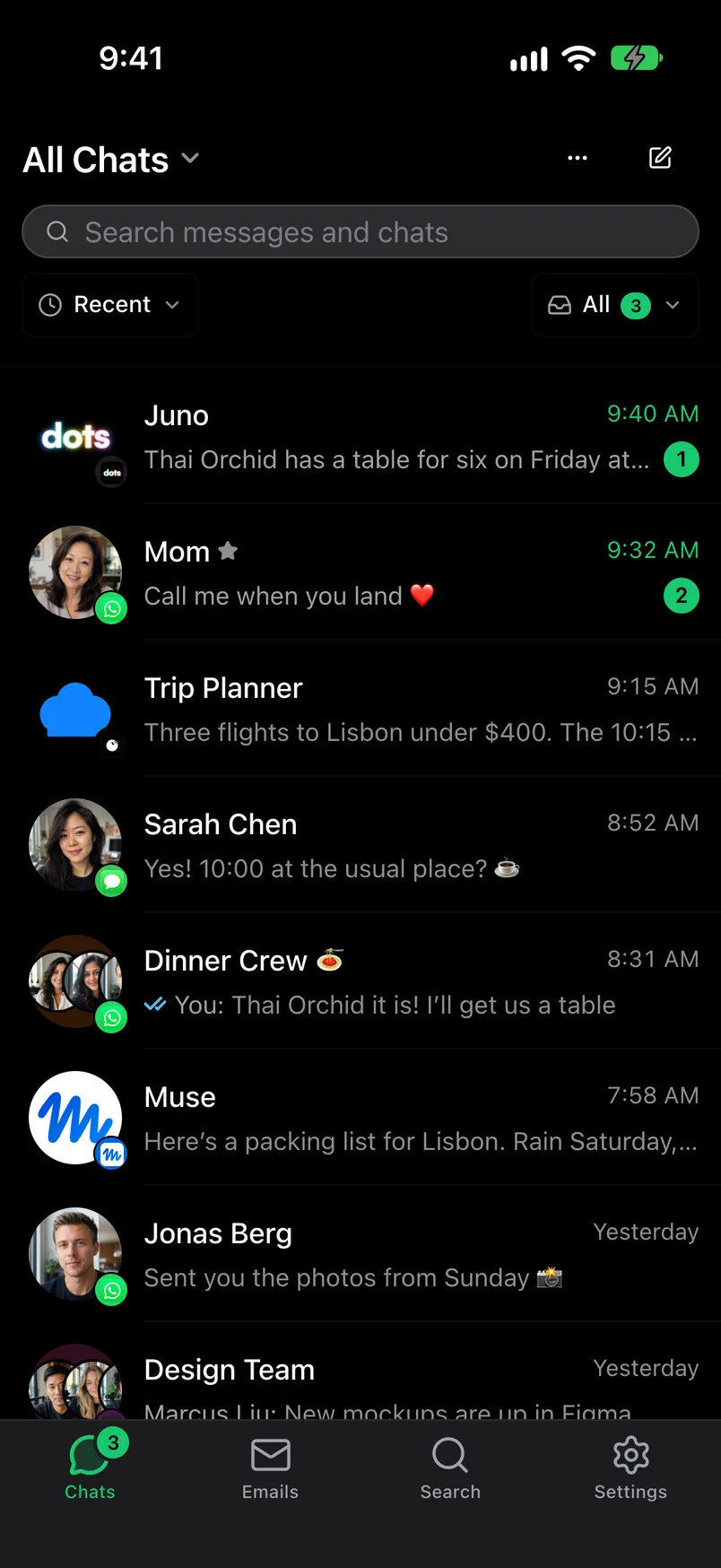
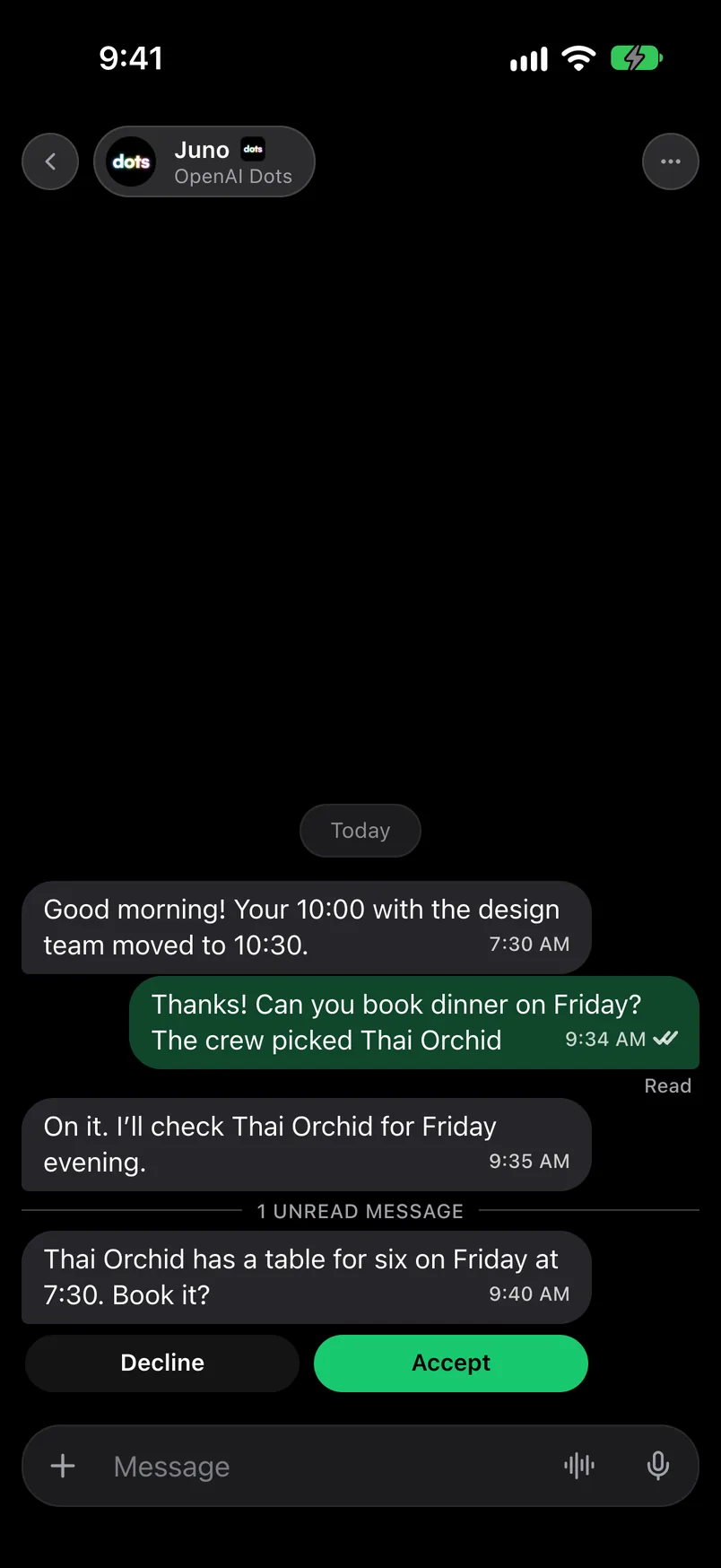
It does a lot more than before. Record voice messages and keep up with WhatsApp statuses. With Chesly Plus, dictate your messages, schedule them with Send later, and let AI sort put the chats that need you first. It speaks seven languages, like the apps.
Polls show who voted
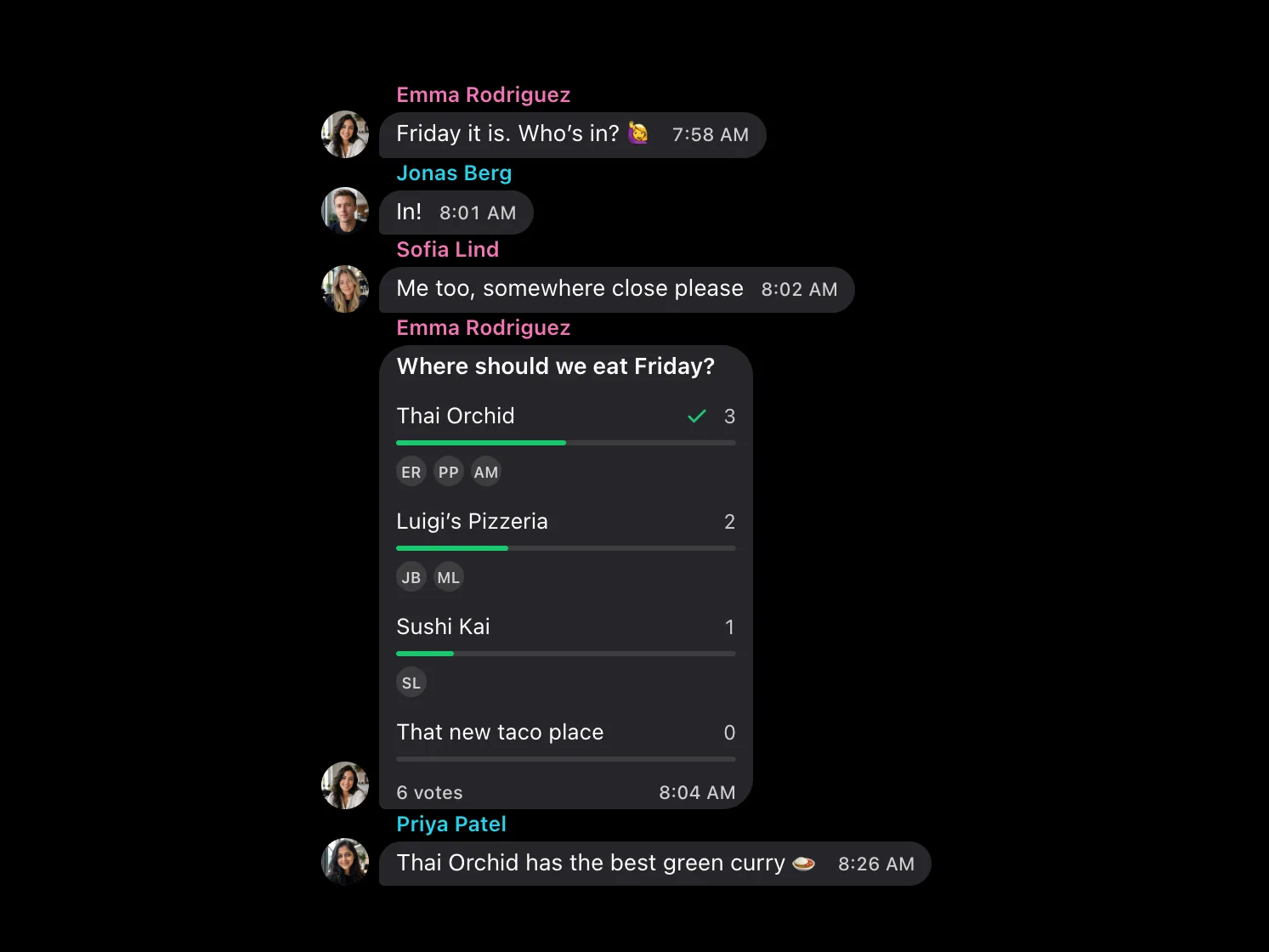
Every option in a poll now shows who picked it, in Chesly for iPhone, iPad and Mac and on the web. On iPhone, iPad and Mac, tap View votes for the whole list.
On your glasses
Chesly for Even Realities G2 learned new tricks too:
- Type faster: hold to open the word list, swipe to your word and tap it. Hold, then tap Send, to send straight from the list.
- See a whole photo: swipe to it, tap it, then View photo.
- Reply all to an email: in the reply, swipe to switch between the sender and everyone.
- Delete a message you sent, for everyone.
- Chats with OpenAI Dots, Grok Bot and Muse show with their own names and icons.
Also new
- Chesly is made for iPhone Duo. Open it, and your chats sit beside the conversation, with buttons and menus clear of the fold.
- Mark All as Read is faster and more reliable, even with thousands of chats.
- iMessage from your Mac keeps working while Messages is closed.
- Scrolling and search are quicker, and Search finds every chat.
- An email thread opens on its first new message, like Gmail.
- The sticker picker offers stickers from all your chats.
- The message box clears after you send, even when your last word came from a keyboard suggestion.
Update Chesly from the App Store. Chesly for Mac updates itself, and Chesly for G2 updates through the Even Hub.
The Chesly team