Chesly 1.3 for Android is out on Google Play, and it’s our biggest Android update yet. It’s been a while since the last one, so there’s a lot here: calls, WhatsApp statuses, Snapchat, your AI agents, voice messages you can read, and a way to try Chesly before you connect anything.
Calls, right in Chesly
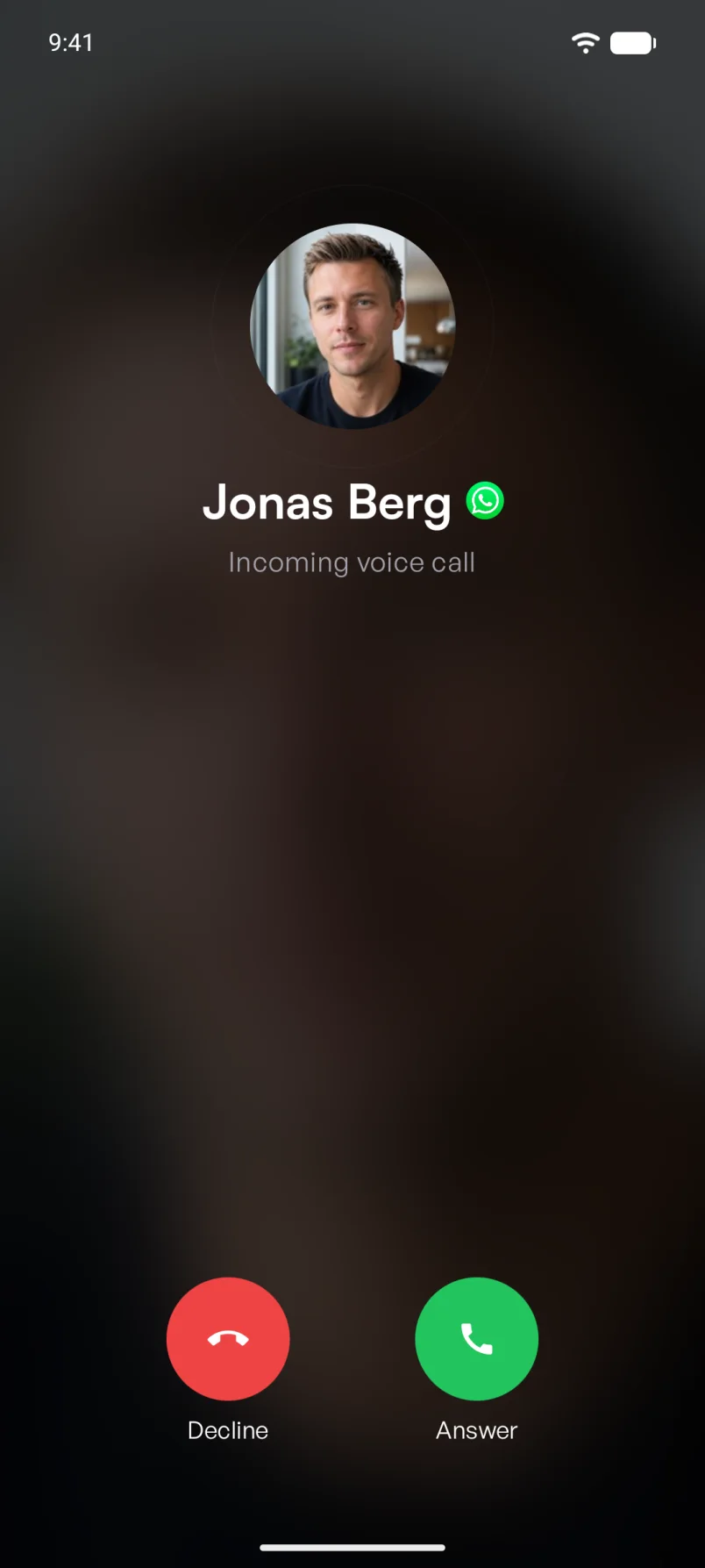
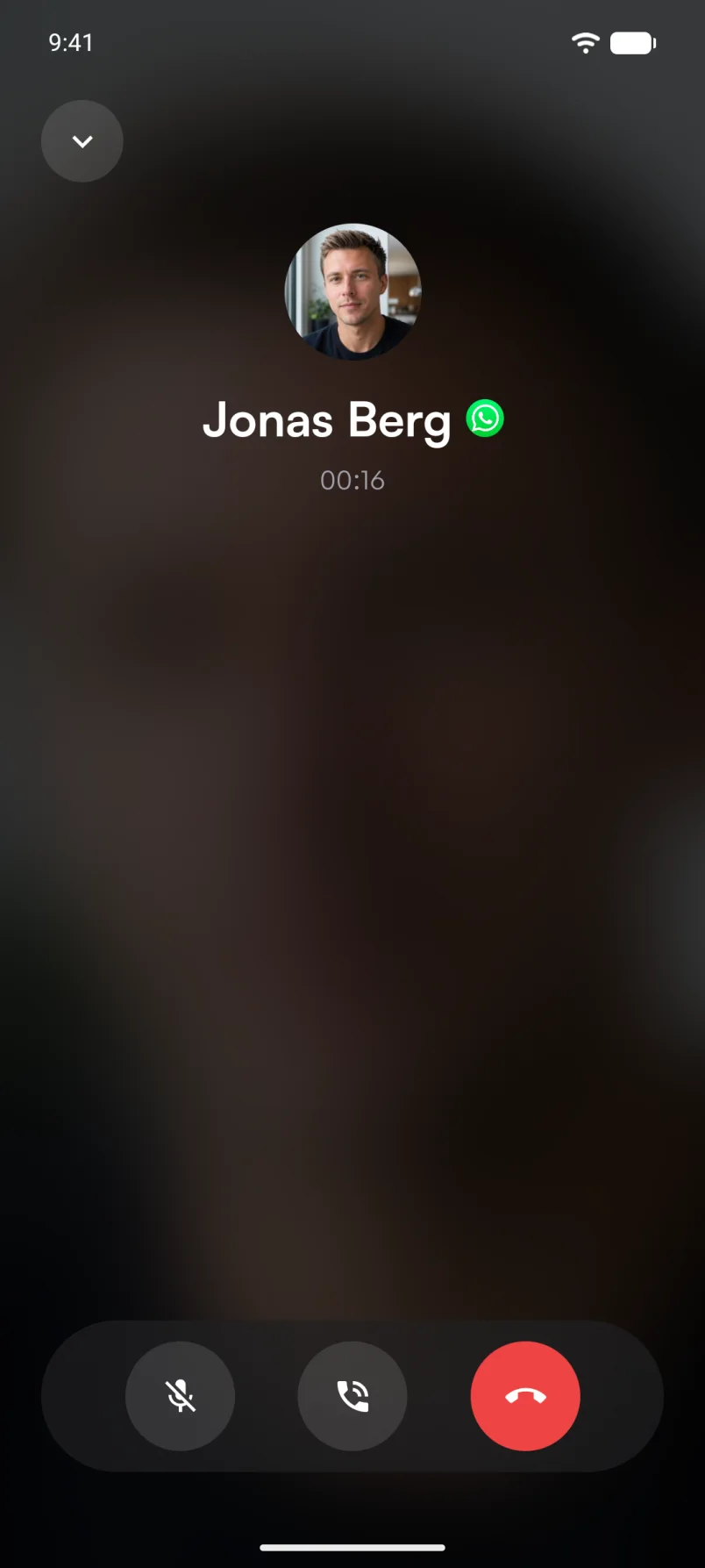
With Chesly Plus, make voice and video calls on WhatsApp, Telegram and Signal from the chat you’re already in. Tap the phone or the camera at the top of the chat. Incoming calls ring in Chesly too, and a video call shrinks to a small window when you leave it, so you can keep talking while you check something.
Statuses
WhatsApp statuses live in Chesly now. Tap the status button at the top of your chats to see who posted, watch their statuses and reply to them. Post your own too: a photo, a video or a few words on a color. If Instagram is connected, your friends’ stories show up there as well.
Snapchat joins your inbox
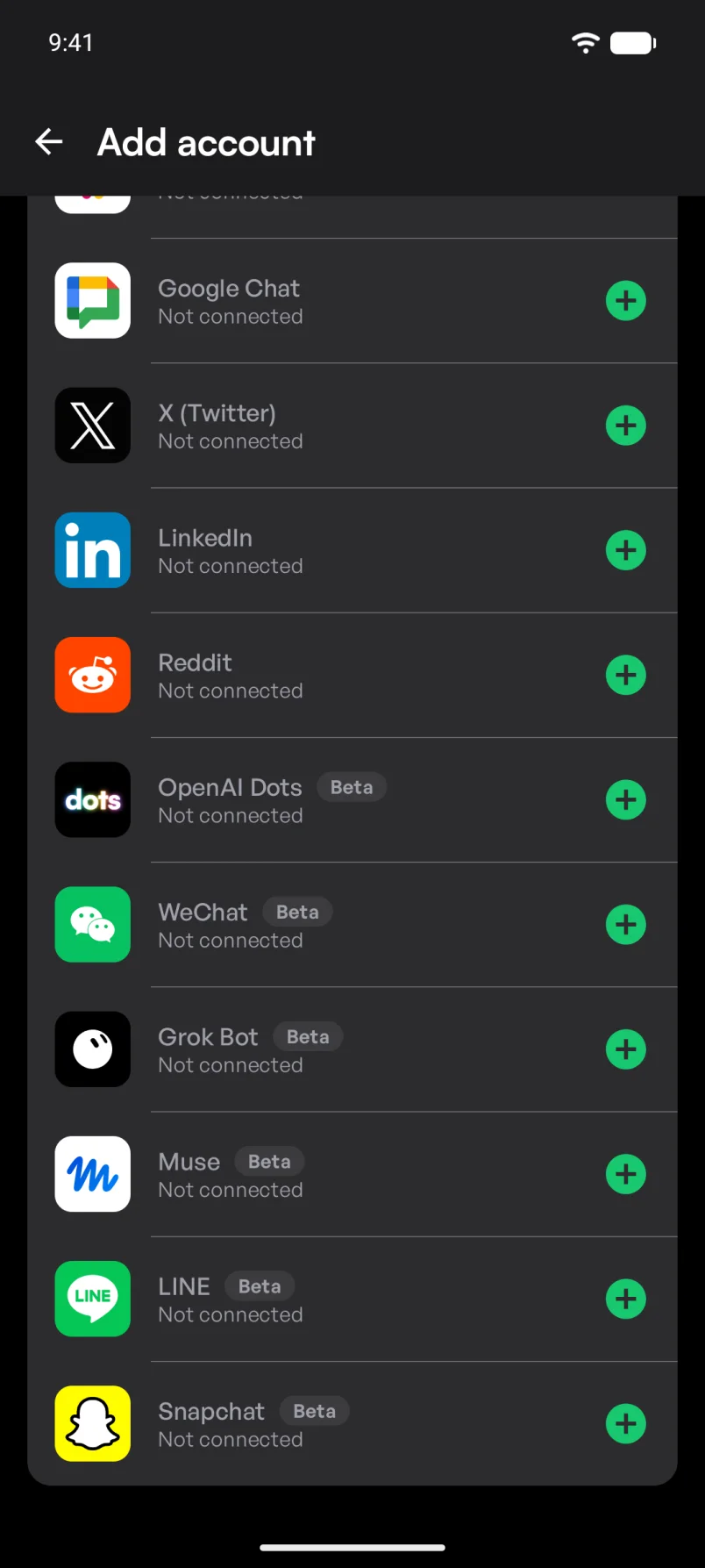
Snapchat is the newest network in Chesly, and it’s in beta. Sign in from Add account in Settings, and your Snapchat chats sit next to everything else. A new snap shows up in its chat: tap it to open it. To send one, open the attachment menu, choose Send snap and pick a photo or a video. Your streaks show next to each chat’s name, so you know which ones to keep going.
AI agents, LINE and WeChat
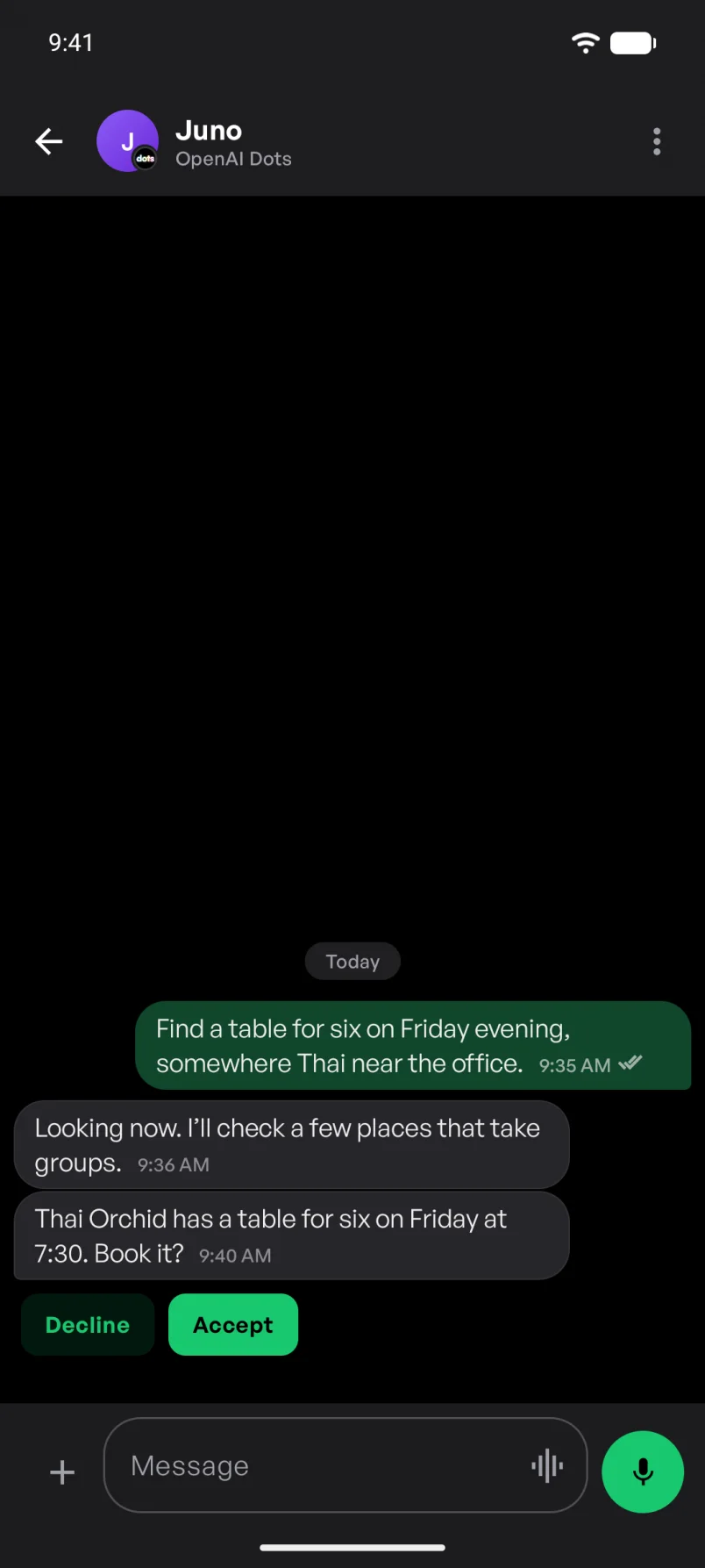
OpenAI Dots, Grok Bot and Muse work in Chesly for Android now. Their chats sit with everyone else’s, and when an agent needs your OK before it does something, its question comes with Accept and Decline. LINE and WeChat are new too. All five are in beta, and you connect them from Add account.
Read your voice messages
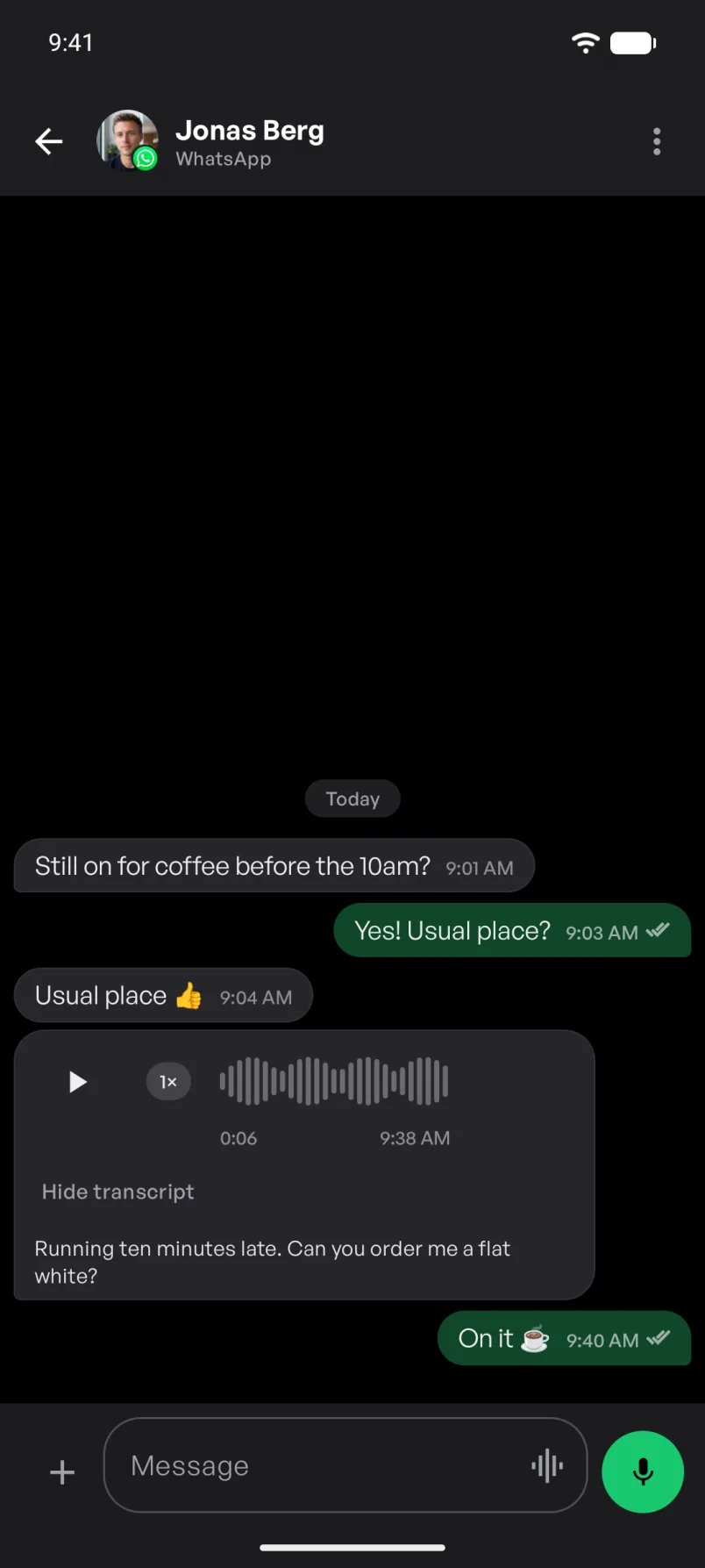
Can’t listen right now? With Chesly Plus, tap Transcribe under a voice message to read it instead. You can also have every voice message turned into text as it arrives. And when you’d rather talk than type, tap the waveform in the message box and your words appear as you speak.
AI sort
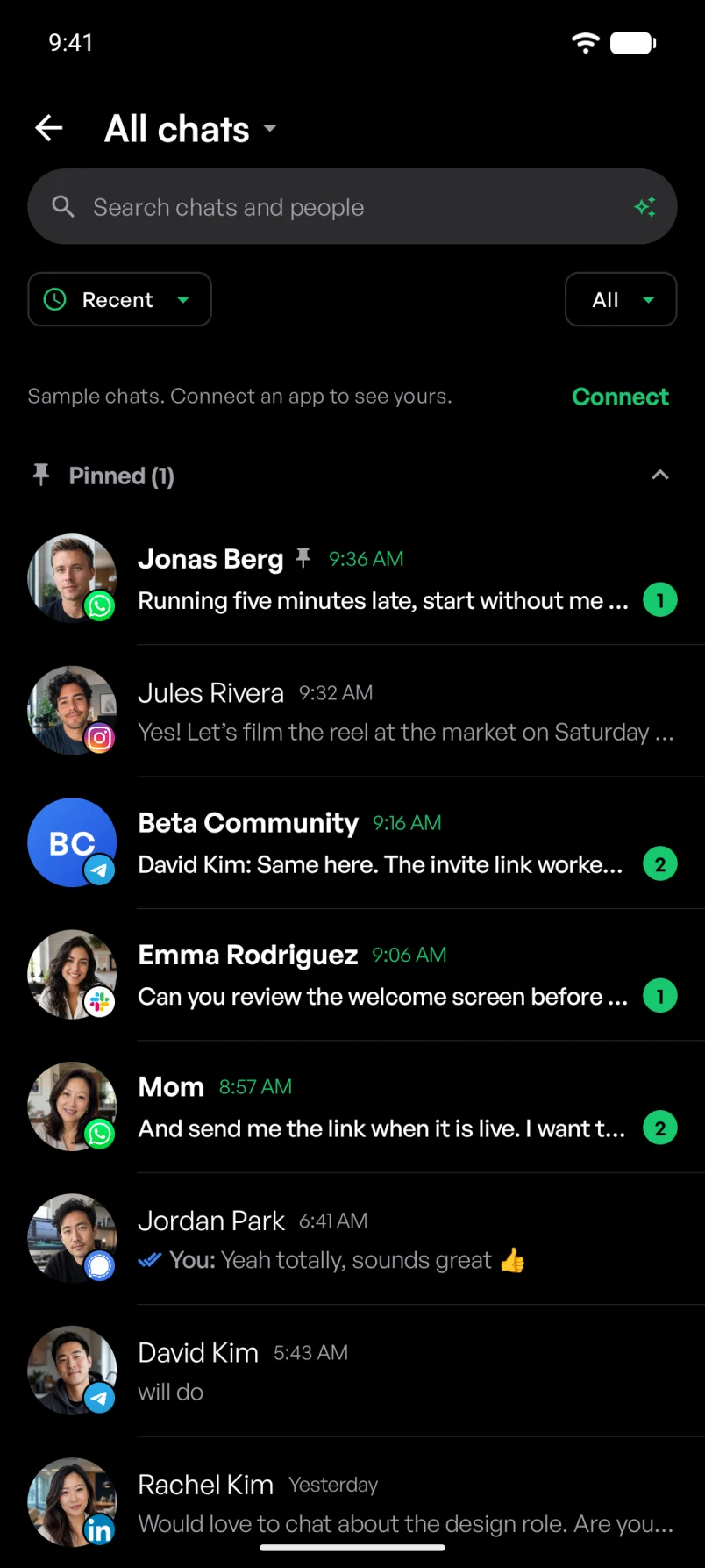
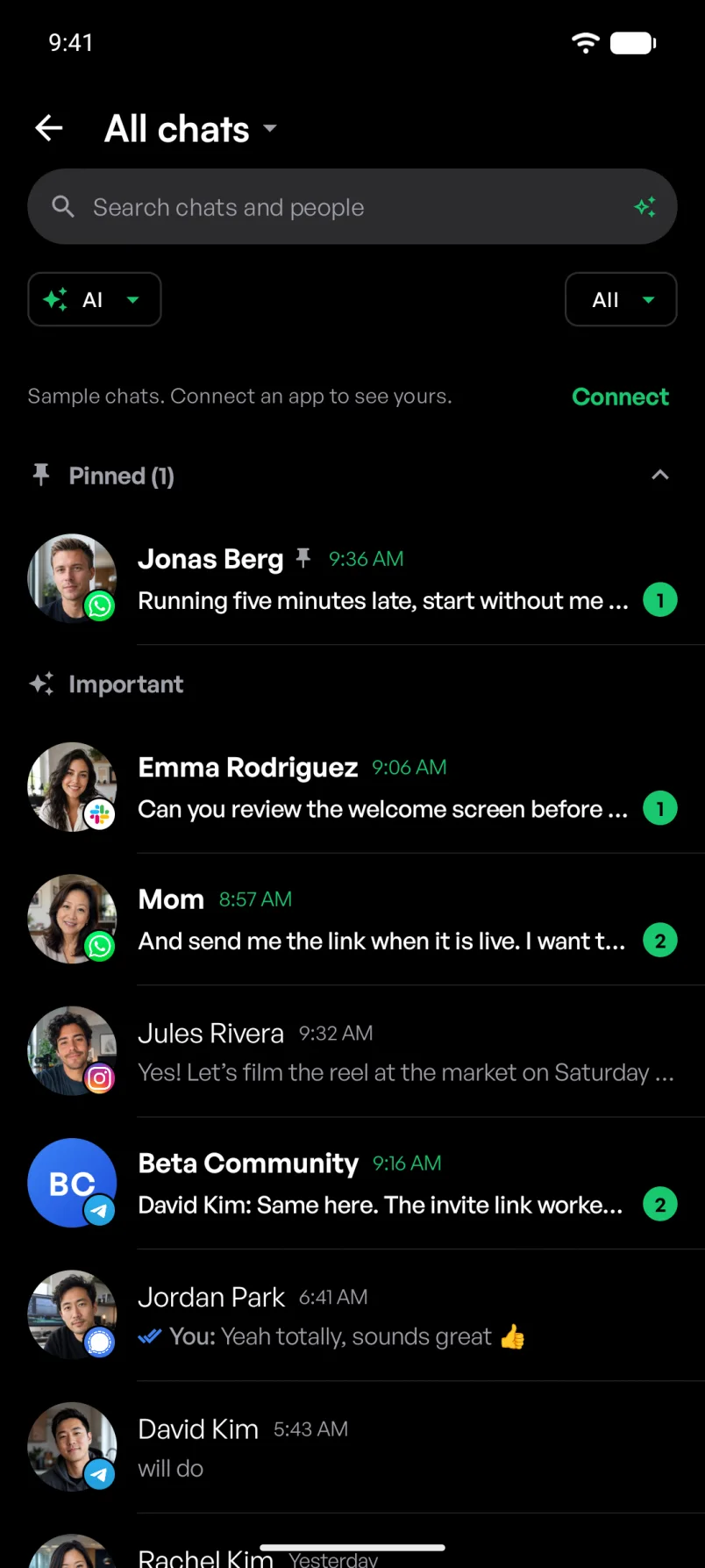
Choose AI from the sort menu, and the chats that need you move to the top under Important, even when they aren’t the newest. It works in Email too. AI sort is part of Chesly Plus.
Make it yours
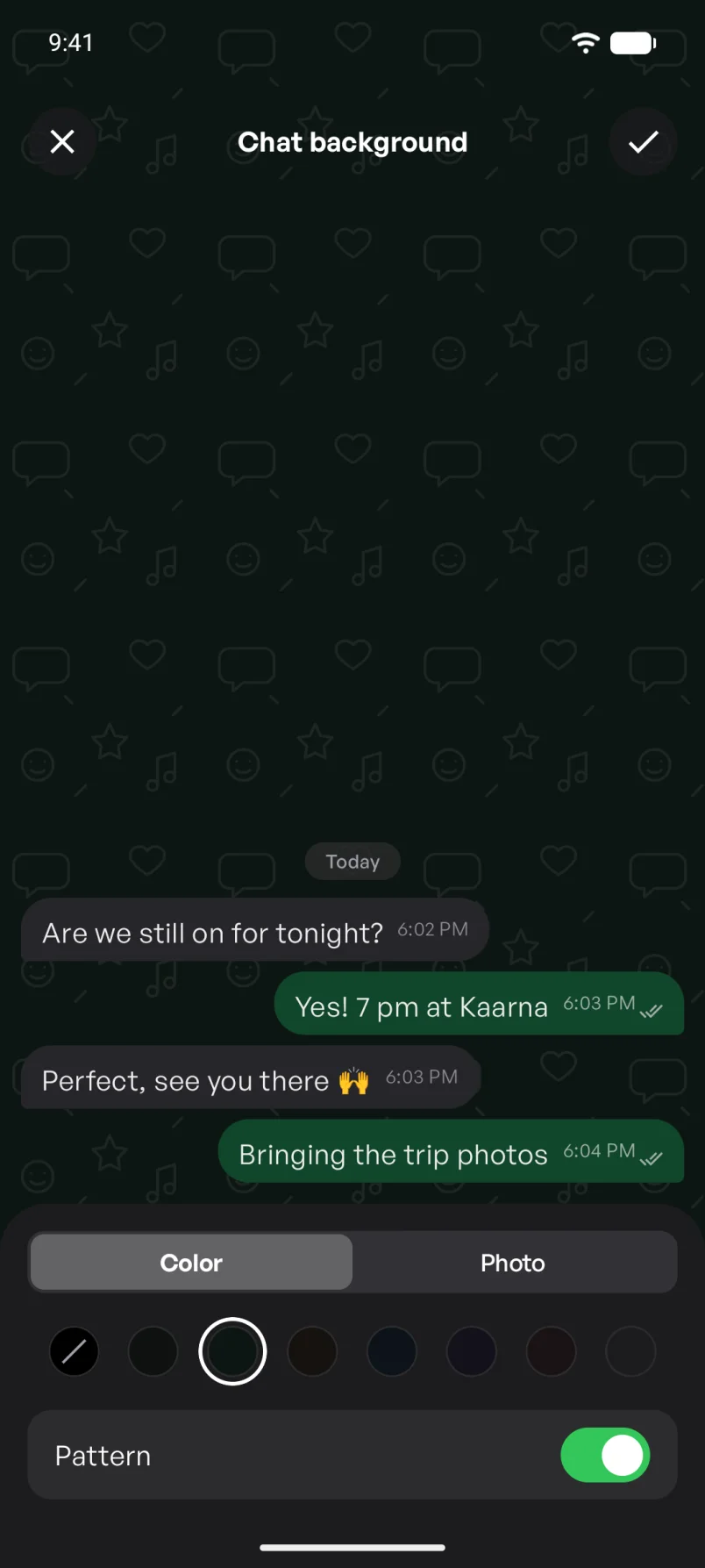
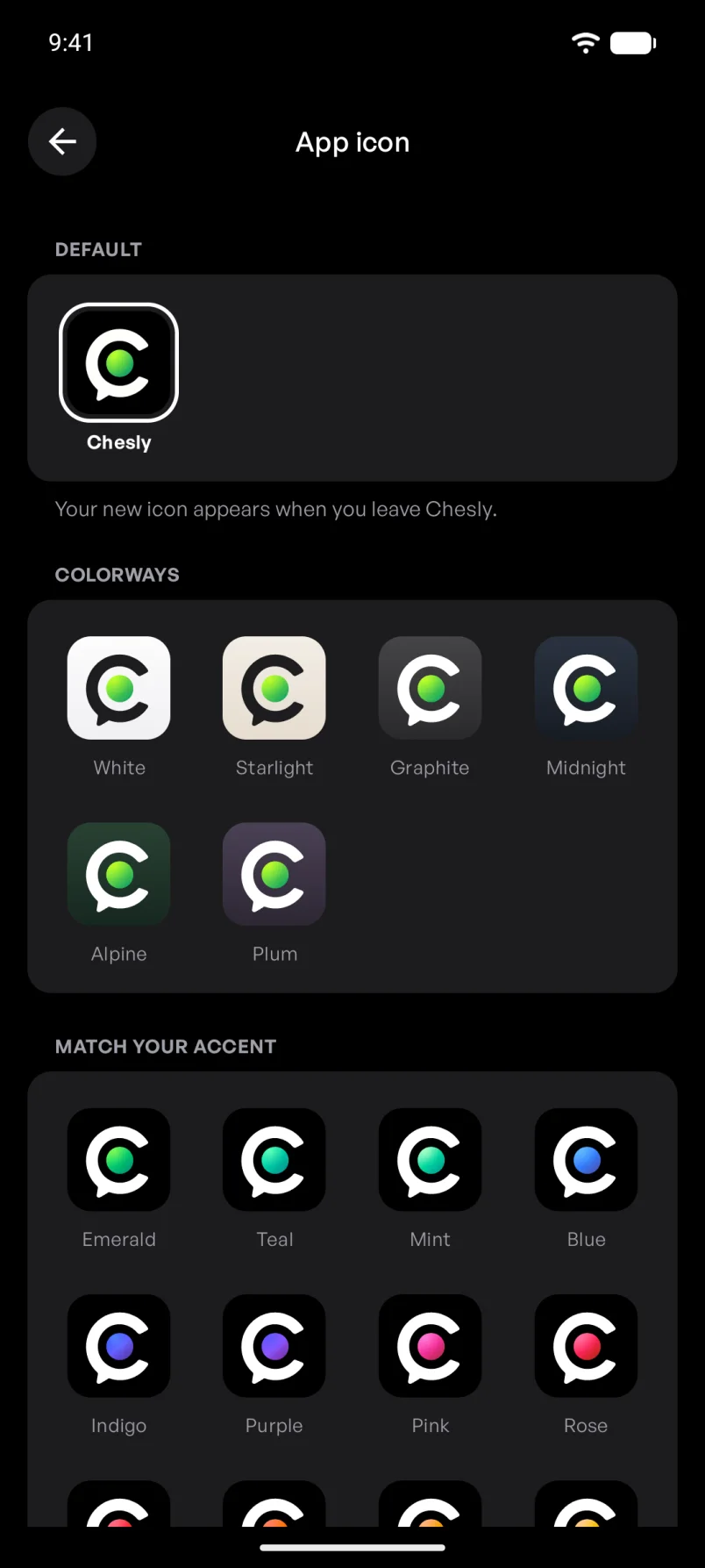
Give all your chats a background, or just one: a color, a pattern or a photo of your own. Chat backgrounds are free for everyone. With Chesly Plus, pick from 24 app icons.
Try it with sample chats
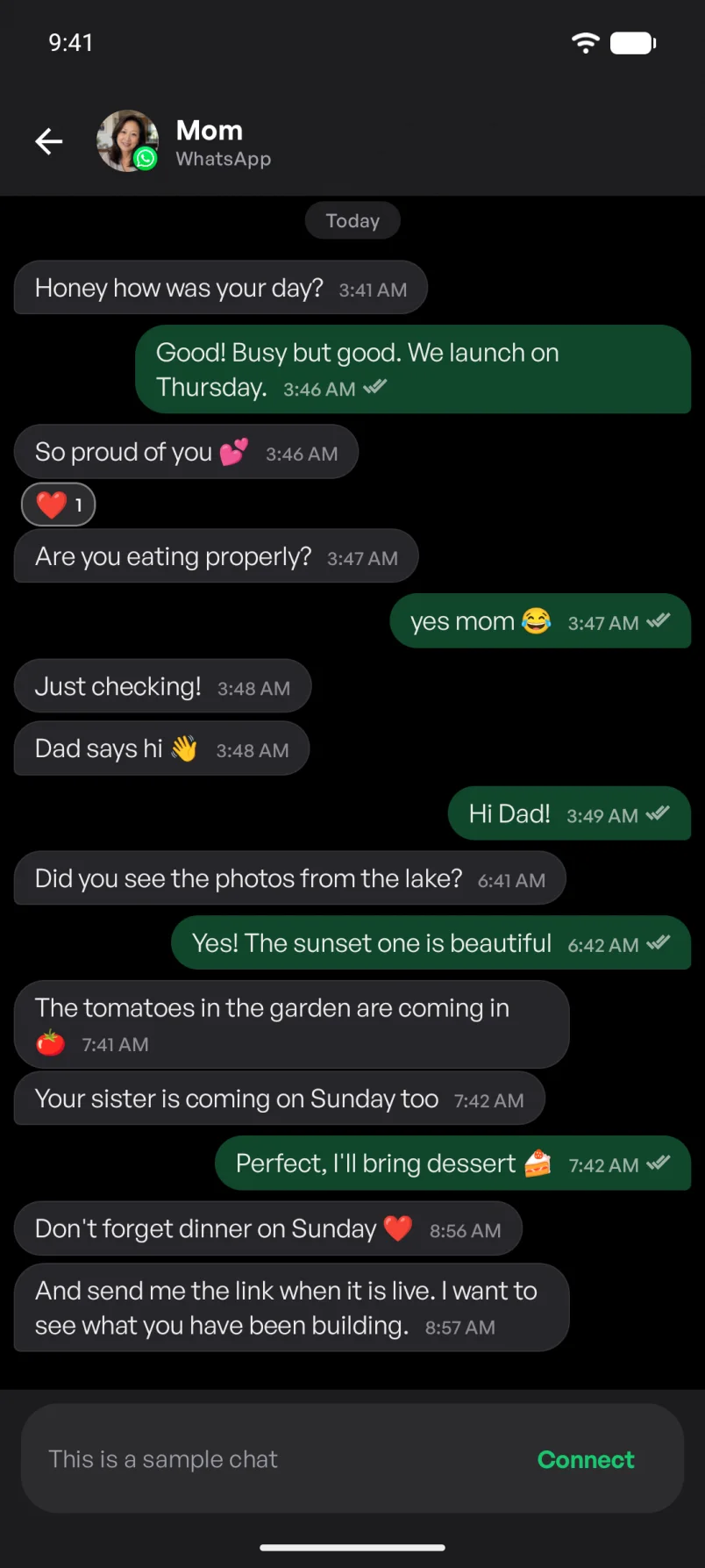
New to Chesly? You no longer have to connect an account to see what it’s like. Choose Try it with sample chats when you set up, and look around a full inbox first. When you’re ready to connect, every network is on one screen, with the apps already on your phone at the top.
Also new
- Chesly Max is Plus with room for 50 connected accounts, up to 10 of the same app. Subscribe, or move between Plus and Max, in the app through Google Play.
- The sticker picker holds the stickers you keep. Tap a sticker in any chat and choose Add to Stickers. Stickers you send are kept too, and they’re saved to your account, not your phone.
- Note to self is a chat just for you: notes, links, photos and files, on every device. Chesly Updates is where we tell you what’s new.
- Everything is faster. Chesly opens quicker, chats open right away and photos load sooner.
- Drafts follow you to your other devices.
- Contact and group pages have a new design, and you can give anyone a name and photo that only you see.
- Delete a chat in Chesly and on its network in one go.
- With Instagram connected, approve or ignore follow requests, and find people on Instagram and Messenger from New chat.
- In Email, sort by AI to put important mail first, and star your favorite folders. A thread now opens on its first new message.
- Connect several Slack workspaces from one sign-in. Signing in to Messenger and Instagram is easier too.
- Voice messages you record go out as voice messages, waveform and all.
- Hundreds of fixes and polish across the app.
Update Chesly from Google Play.
The Chesly team