iMessage, merged chats and polls: what’s new in Chesly
The Chesly team
The Chesly team
This is the first post on the Chesly blog. From now on, it’s where we’ll share what’s new, and why we built it.
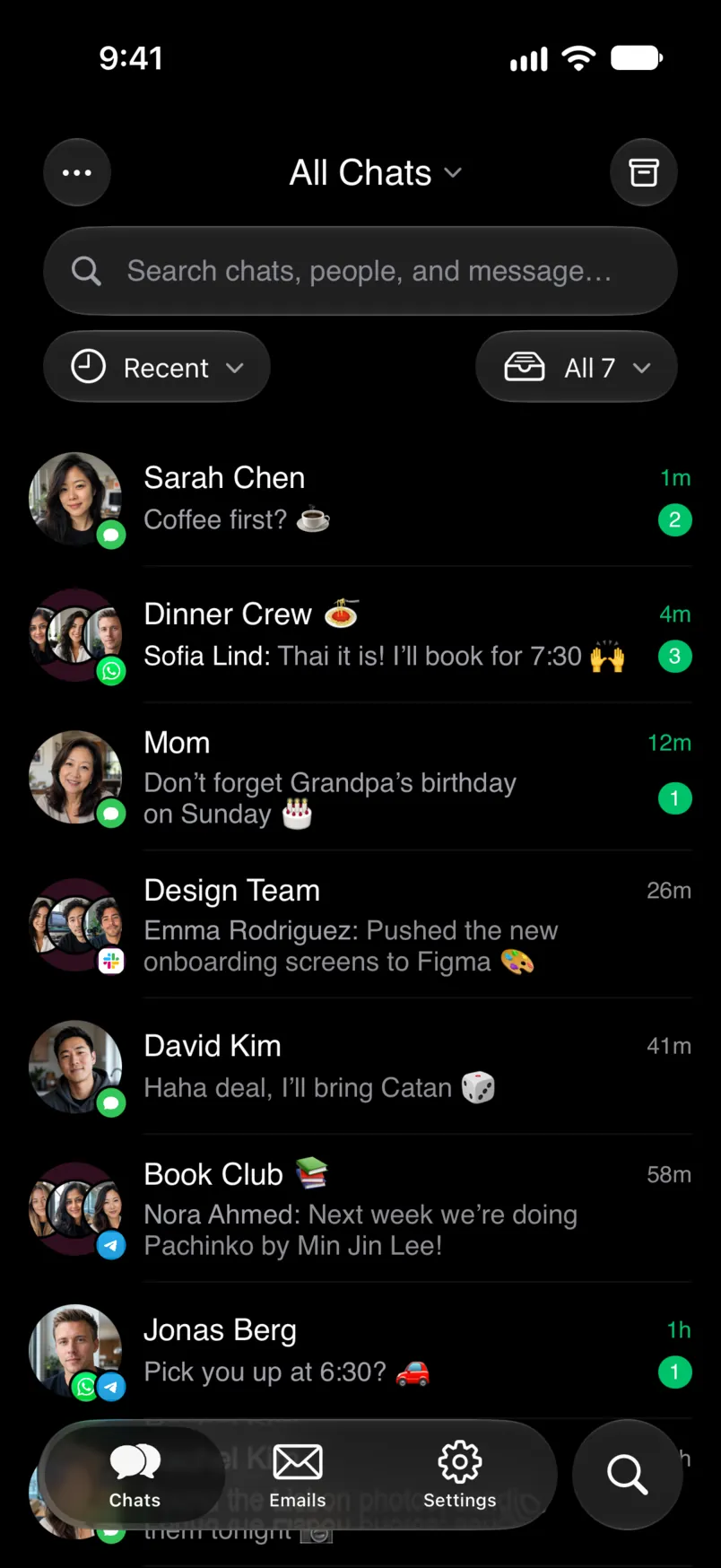
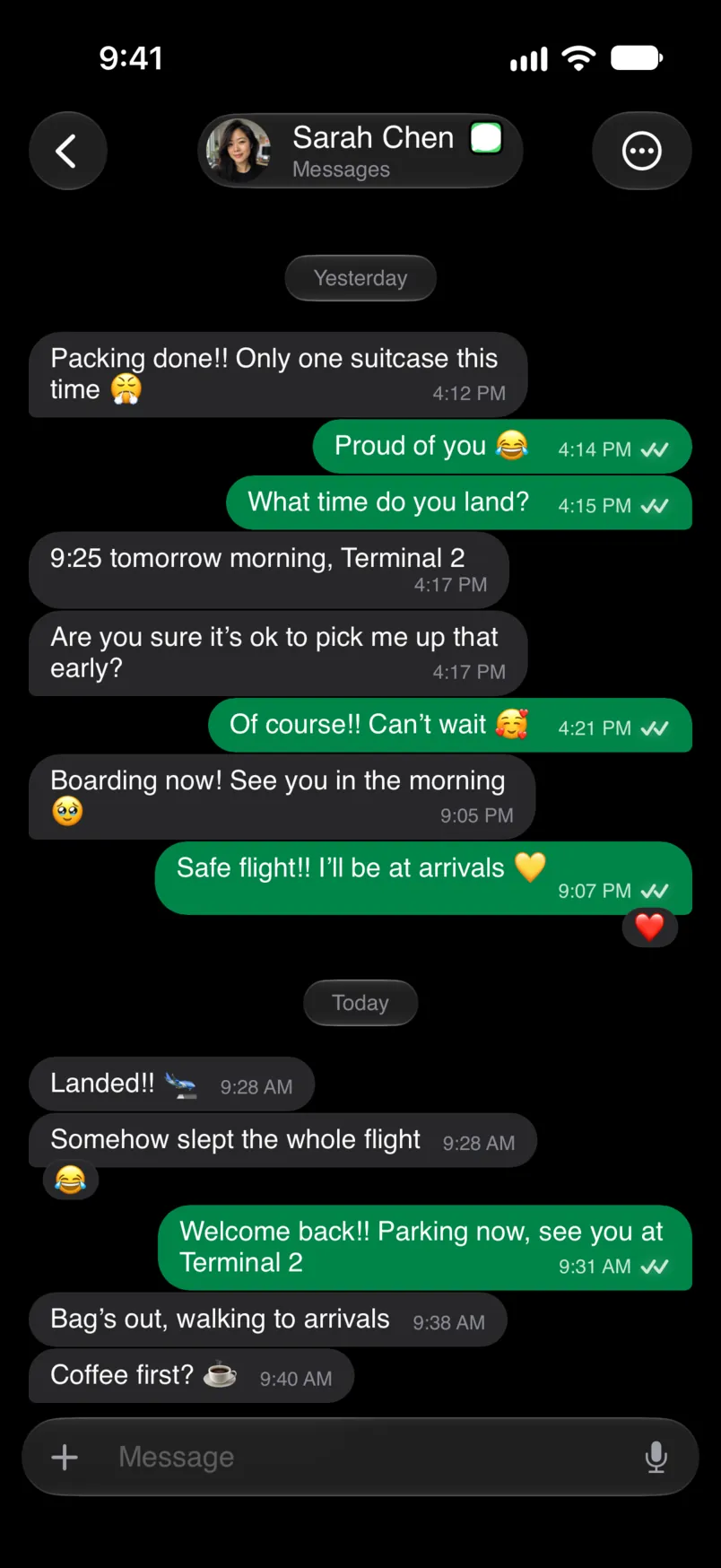
Connect iMessage once from Chesly for Mac, and your iMessage conversations land in Chesly next to WhatsApp, Slack and email, on your iPhone, iPad, Mac, Android phone and Even Realities G2. Names, photos and tapbacks come through. Turn on Text Message Forwarding on your iPhone, and your texts come through too.
Why a Mac? Apple doesn’t offer a way for other apps to connect to iMessage. A Mac that’s signed in to Messages can, so Chesly works through yours. Keep it on and your chats keep arriving. Chesly can stop it from sleeping while it’s connected.
To set it up, open Settings > Connected Accounts > Add Connection > Messages in Chesly for Mac and choose Connect Messages. It needs macOS 15 or later. Download Chesly for Mac.
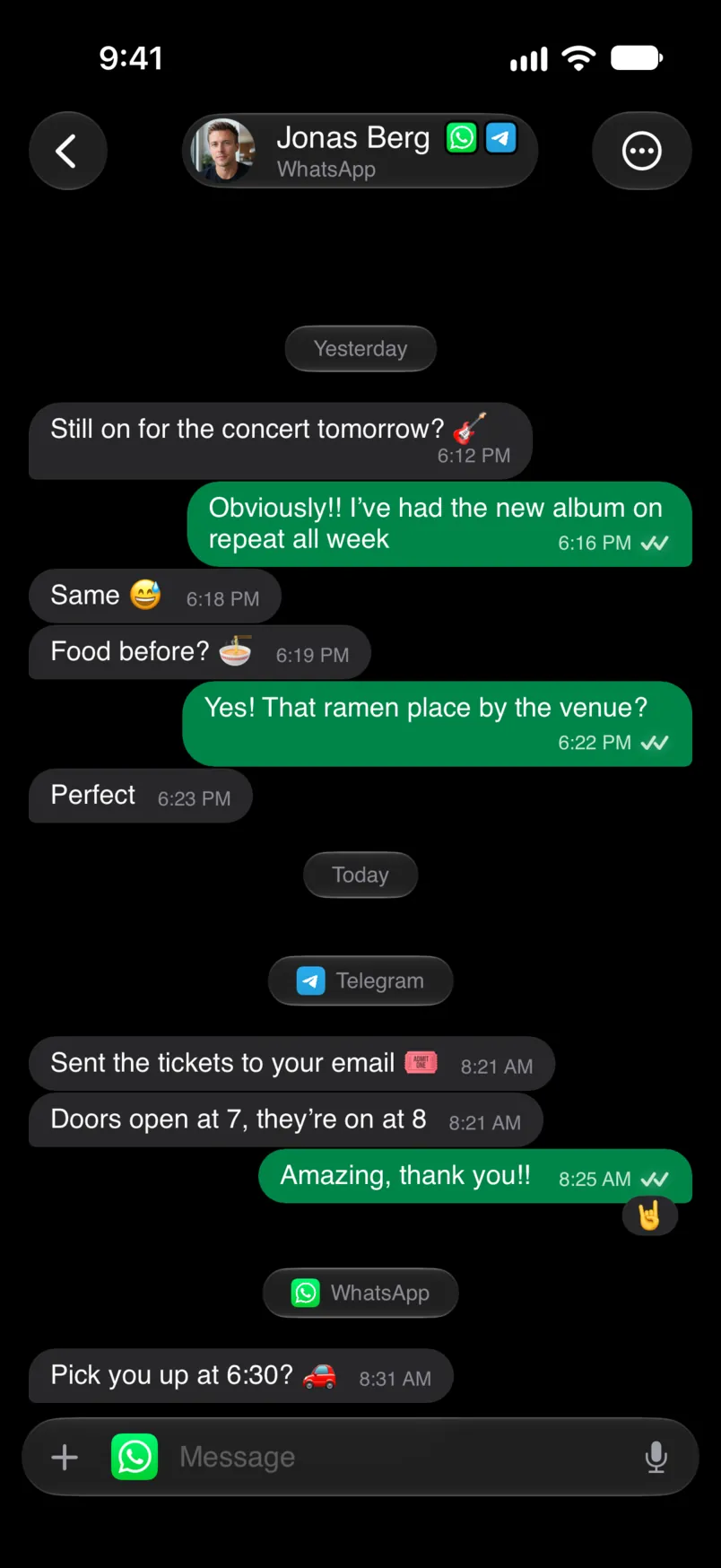
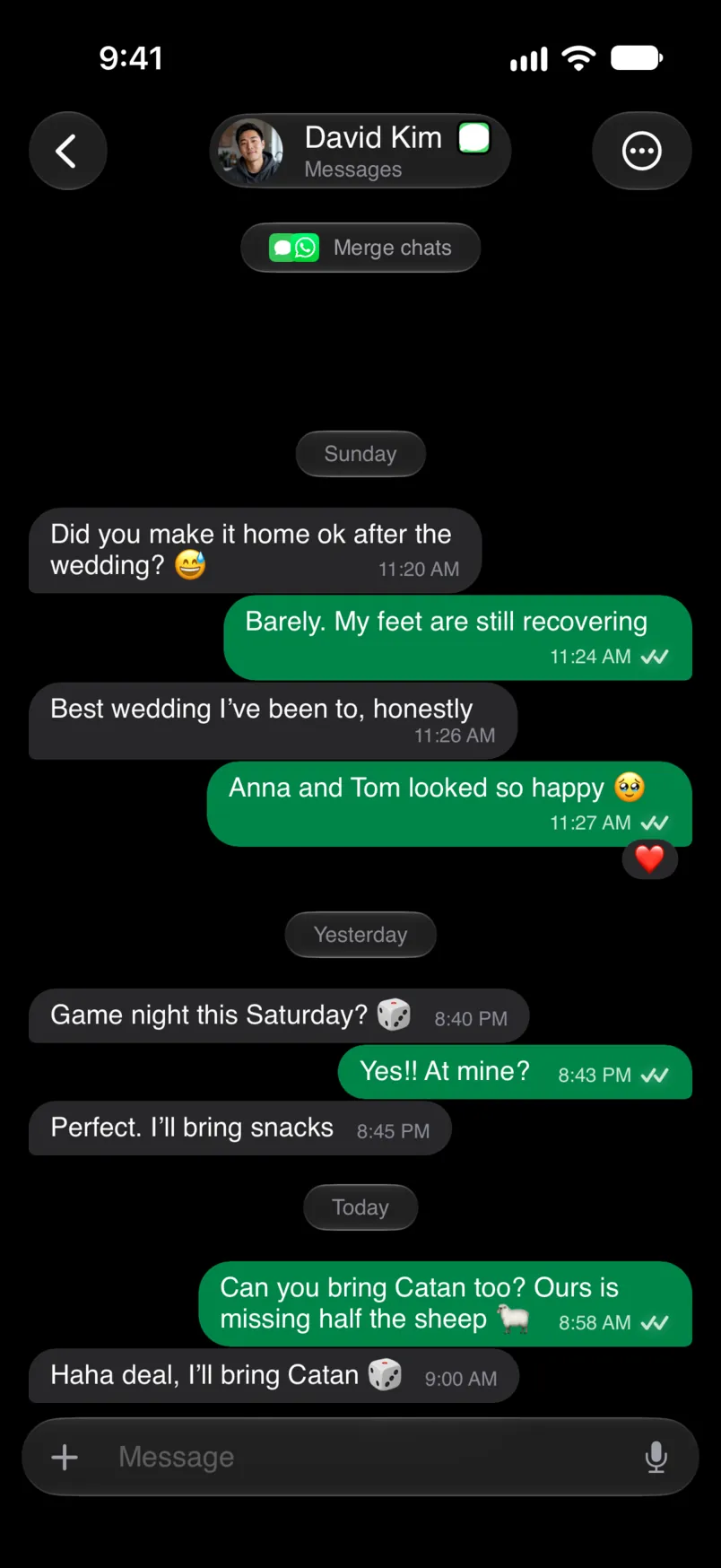
The people you talk to most are often in more than one app. When Chesly spots the same person on another network, it suggests merging their chats, and you can choose Merge Chats from a chat’s menu yourself. A merged chat reads as one conversation, whichever app the next message comes from.
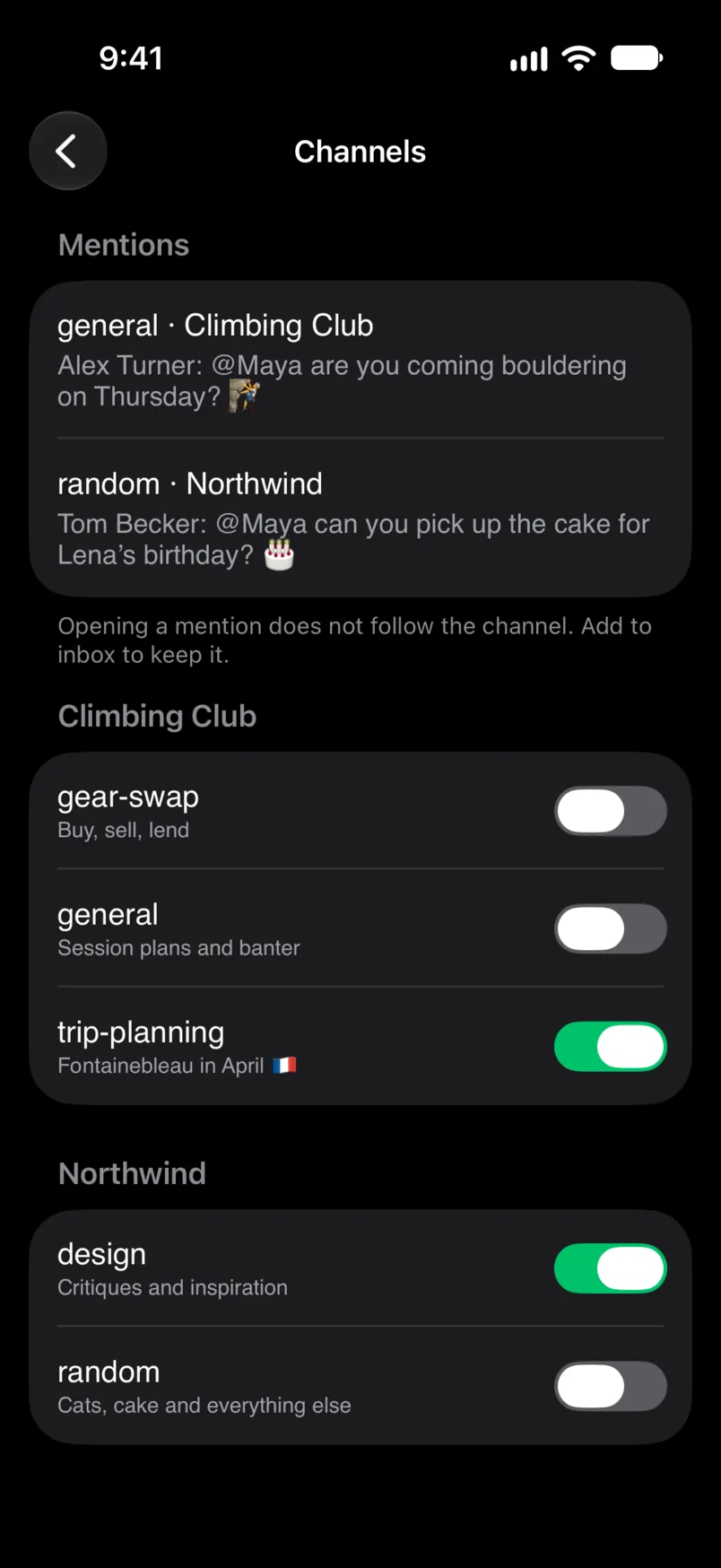
A busy Discord server or Slack workspace can bury the people you actually talk to. Now you choose: open Channels from the chat filter and add the ones you want to your inbox. The rest stay out, and Mentions still shows you when someone @mentions you there. This works for Discord, Slack and Reddit.
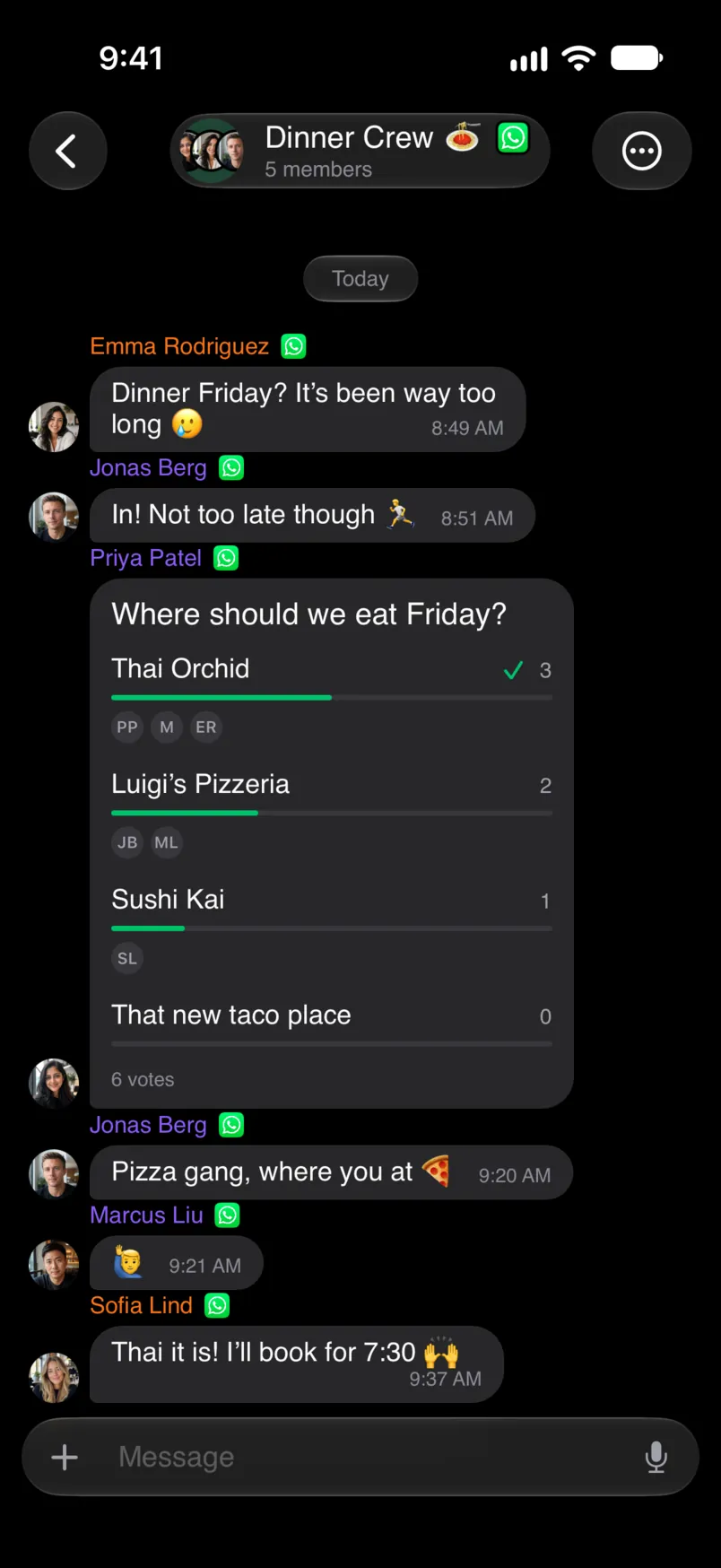
Deciding where to eat in a group chat? Create a poll or vote in one without leaving Chesly. You can start polls in WhatsApp chats, Signal groups and Chesly chats, on iPhone, Mac and Android.

Update Chesly from the App Store, Google Play or Even Hub. Chesly for Mac updates itself.